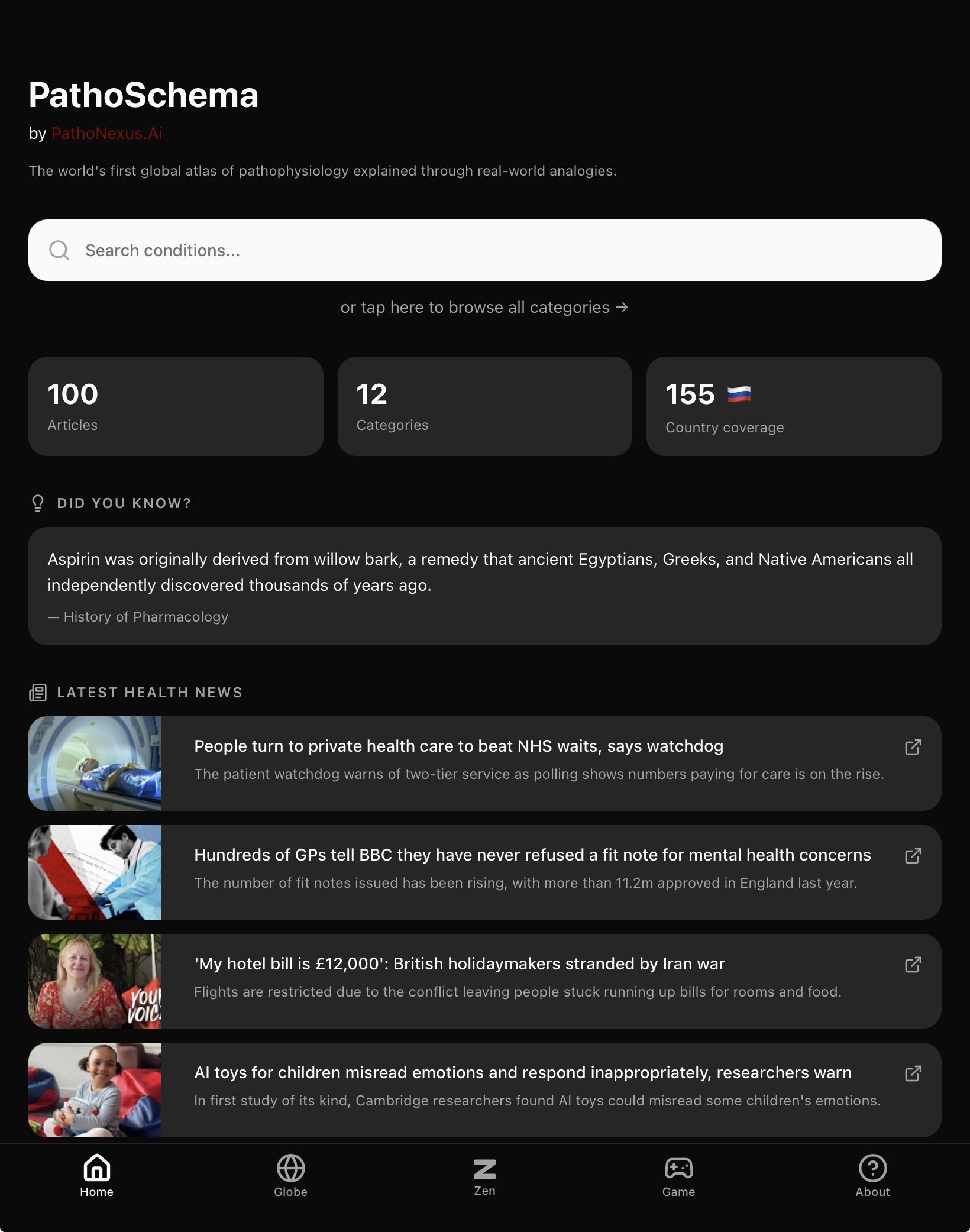

Welcome to the step by step installation guide for Apple Store Users
Step 1: Search for the word ‘Pathoschema’ on the Apple store or click on this button
Step 2: Make a one-off payment to install the app. You will only ever be required to make a payment once. Hereafter, everything within the app is free to use including when updates are rolled out.
Step 3: Once the app is successfully downloaded, open the app and you will arrive at the login page. Here you have 2 options :
Log in using your Apple Account
Sign up using an email account and password of your choice (recommended) - please note this option is free and you will not be charged again. It is recommended as part of this app’s commitment to be one of the first apps in the world to insist on zero user tracking or personal data collection.
Step 4: Once the step above is completed, you will be able to access the home page and will not normally need to log in again.
Please note the appearance of your homepage will depend on your light mode / dark mode settings. This screenshot was taken in a ‘dark mode’ environment.